
Free game animations – 460 clips as FBX, GLB or BVH
460 free animations for games – motion capture and hand-made – walks, runs, walking styles, idles, punches, kicks, sword moves, blocks, dodges and jumps. Preview them on a 3D character in your browser and download each one as FBX, GLB or BVH for Unity, Unreal Engine, Blender or Godot. No install.
What is in the library
- Locomotion (211) – walks, runs, jogs, sprints, crouched walks, crawls, sideways and backwards walks, and dozens of walking styles (proud, angry, zombie, drunk, robot…).
- Attacks (68) – punches, kicks, combos, sword slashes and a zombie scratch.
- Idles and stances (64) – relaxed and talking idles, fighting stances, crouching, holding a torch or a sword.
- Blocks, dodges and jumps (28) – sword, shield and hand blocks, side steps, a roll, take-off, air and landing.
- Other moves (85) – sitting down and standing up, a dance, hit reactions, a death and more.
285 clips are real motion capture (100STYLE, ACCAD), 175 are hand-made game animations (Quaternius). All of them are already on one humanoid skeleton, so they blend and play on the same character.
Licences – free for commercial games
- 175 clips CC0 (Quaternius Universal Animation Library) – no conditions, no credit needed.
- 170 clips CC BY 4.0 (the 100STYLE dataset, Ian Mason) and 115 clips CC BY 3.0 (Open Motion Project by ACCAD, The Ohio State University) – free for commercial use with a credit to the author.
The credit and licence travel inside every exported file, and all sources are listed on Sources & credits.
How to download an animation
- Open the Studio and the Animations tab – search or pick a category.
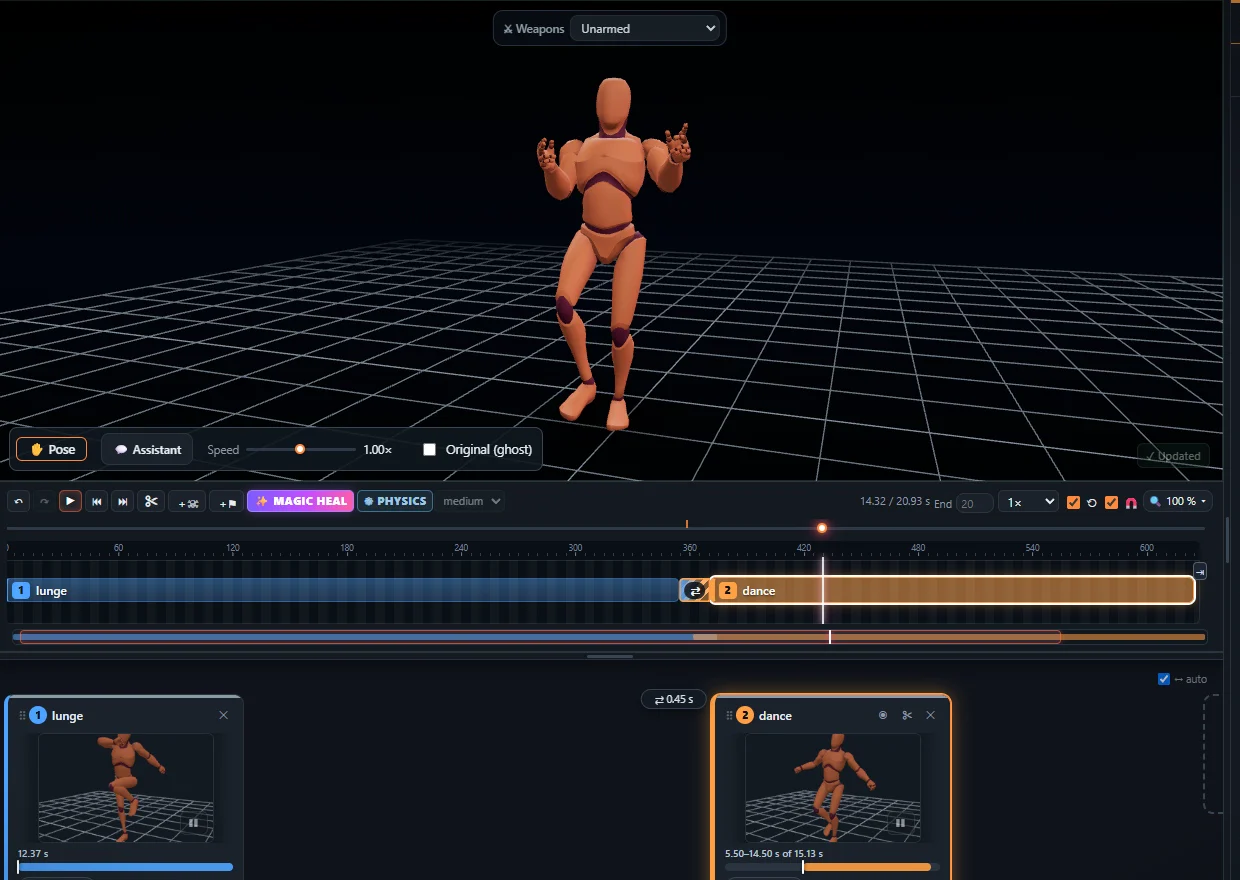
- Click a clip: it plays on the 3D character. Trim it, change the speed or the direction if you like.
- Click Export and choose FBX, GLB / glTF or BVH, root motion or in place.
The first export needs no account; after that a free account is enough. Into your engine: Unity (FBX, Humanoid), Unreal Engine, Blender, Godot.
Missing the move you need?
Make it yourself: film the move with your phone and turn the video into an animation with AI motion capture – on the same skeleton, so it mixes with the library clips. See video to animation.
Frequently asked questions
Can I use them in a commercial game?
Yes. 175 clips are CC0 (no credit needed); the other 285 are CC BY, free for commercial use with a credit to the author, which every exported file already carries.
Which formats can I download?
FBX, GLB / glTF and BVH, with root motion or in place.
Do they work on my character?
Yes. All clips share one humanoid skeleton; in Unity set the rig to Humanoid, in Unreal and Blender retarget to your skeleton.
Do I need an account?
The first export needs no account; after that a free account is enough.
More with KinemIQ: Video to 3D animation · Video to motion · Free AI mocap from video · Video to FBX · Video to BVH · Martial arts animation · Ragdoll animation · Mocap from a phone video · FBX animation for Unity · Mocap for Unreal Engine · Mocap to Blender · Text to animation · 5-minute guide · All guides and answers