
Ragdoll animation – physics impacts and falls baked into the clip
KinemIQ is an online ragdoll animation maker: a character is hit and falls with real physics, baked into an ordinary clip you export as FBX or GLB.
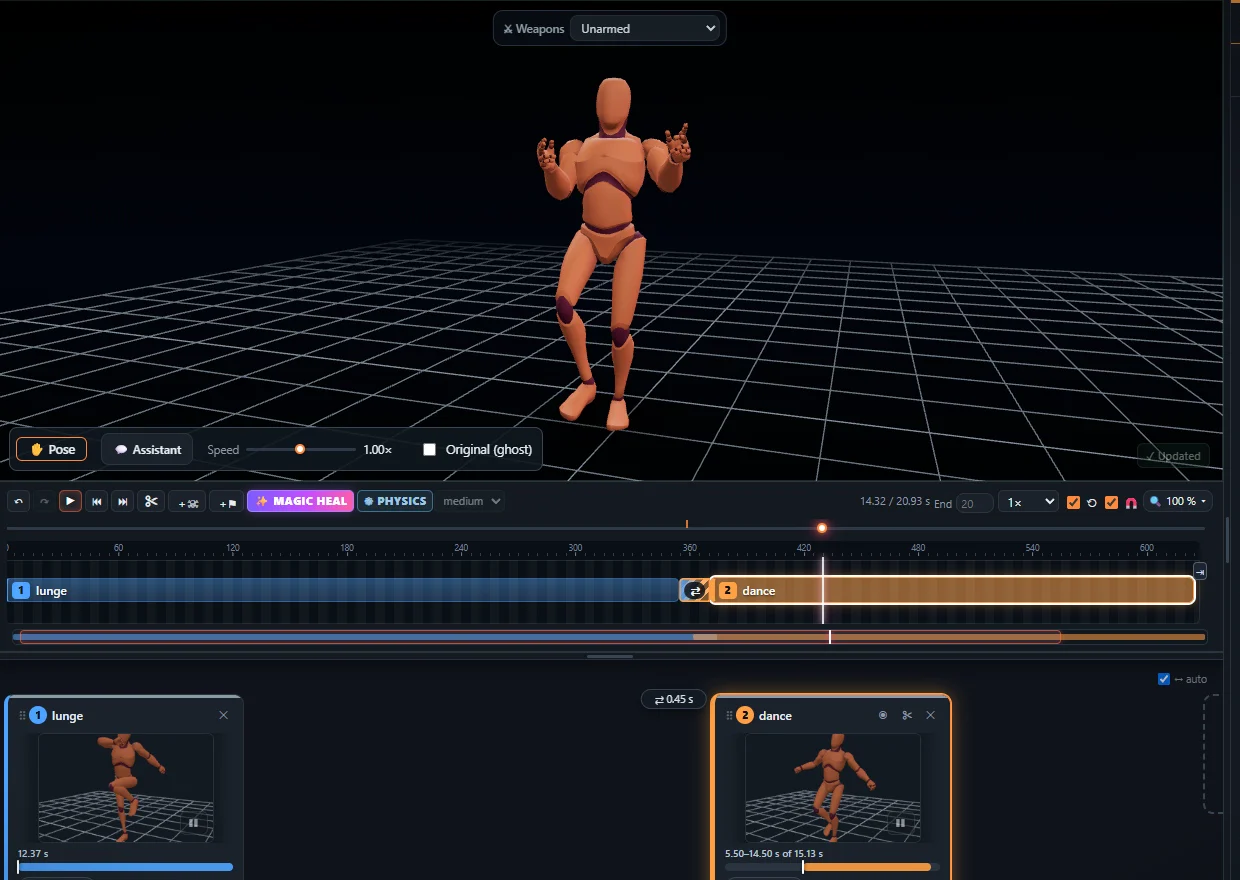
Physics falls, baked into the clip
The motion blends into a ragdoll at the hit, the fall is simulated – weight, floor, walls, steps – and saved as keyframes. No physics engine needed in your game.
Presets and control
- Death presets – headshot, slash, K.O. punch, explosion, collapse and more.
- Hit reactions – flinch, stagger or fall, by the blow’s speed and place.
- Control – angle, height, strength, how the body lies.
How to make one
- Add an animation in the Studio.
- Press + Ragdoll at the hit, set the blow, watch the fall.
- Export FBX, GLB / glTF or BVH.
Frequently asked questions
What is a ragdoll animation?
A ragdoll animation is a fall or reaction computed with physics: the body goes limp and drops under its own weight. KinemIQ blends from the motion capture into the ragdoll at the moment of the hit and bakes the result into the animation, so you can use it without a physics engine.
Can I choose how the character falls?
Yes. Pick a death preset (headshot, sword slash, explosion, K.O. punch and more), set where the blow lands and how strong it is, or let the character only stagger and recover.
Does the ragdoll work with my game engine?
The fall is baked into normal keyframes, so the exported FBX, GLB or BVH plays in Unity, Unreal Engine, Godot or Blender like any other animation.
More with KinemIQ: Video to 3D animation · Video to motion · Free AI mocap from video · Video to FBX · Video to BVH · Martial arts animation · Mocap from a phone video · FBX animation for Unity · Mocap for Unreal Engine · Mocap to Blender · Text to animation · 5-minute guide · All guides and answers