
Martial arts animation from video – kata, kicks and punches online
KinemIQ turns a video of your martial arts into a 3D animation online. Film a kata or a combination and get the stances, strikes and tight fists on a 3D character – ready for Unity, Unreal or Blender.
Animate your martial arts – free
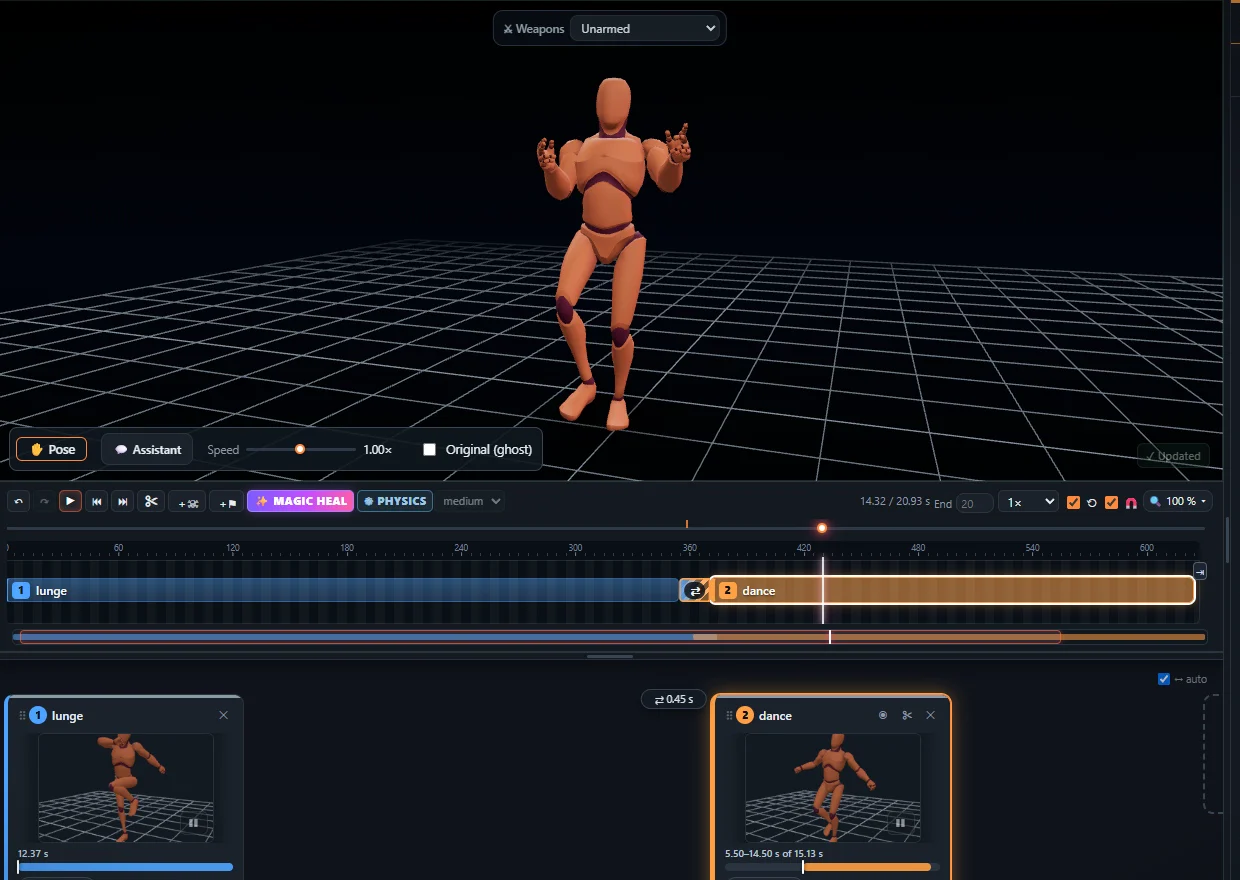
Your own moves, with real weight
Filming the real move keeps the hip turn, the pivoting foot and the returning guard. KinemIQ rebuilds it in 3D with planted feet and human joints.
What you can make
- Kata and forms, kicks and punches, combinations.
- Reactions – an impact or a physics fall where the blow lands.
How it works
- Film the move – a phone is enough.
- Drop it on Animation from video in the Studio and press Analyse video.
- Refine with sliders and the mouse, then export FBX, GLB or BVH.
Frequently asked questions
Can I turn a video of my kata or my training into an animation?
Yes. Drop the video into KinemIQ: AI motion capture turns it into a 3D animation with the stances, blocks and tight fists you see in the video - then refine it with sliders, posing or Magic Heal.
Does the motion look real?
Yes - it is your own recorded movement, so weight, balance and timing look human; KinemIQ keeps the joints in a human range and the feet on the floor. You can still change direction, power, speed and pose with sliders.
Which formats can I export?
FBX, GLB / glTF and BVH - for Unity, Unreal Engine, Godot, Blender, Maya and other 3D tools.
More with KinemIQ: Video to 3D animation · Video to motion · Free AI mocap from video · Video to FBX · Video to BVH · Ragdoll animation · Mocap from a phone video · FBX animation for Unity · Mocap for Unreal Engine · Mocap to Blender · Text to animation · 5-minute guide · All guides and answers