
Root motion vs in place animation
Root motion means the animation itself carries the character through space (on the root bone); in place means the body moves but stays over one spot, and your game code moves the character. Use root motion when the exact travel matters (attacks, dodges, climbs), in place when gameplay controls the speed (walk and run cycles).
Try it free in your browser Use my own video
Quick guide
- Root motion – lunges, rolls, dodges, combos, cinematic moves; the feet never slide.
- In place – locomotion driven by input, blend trees, network games that move the character on the server.
In KinemIQ
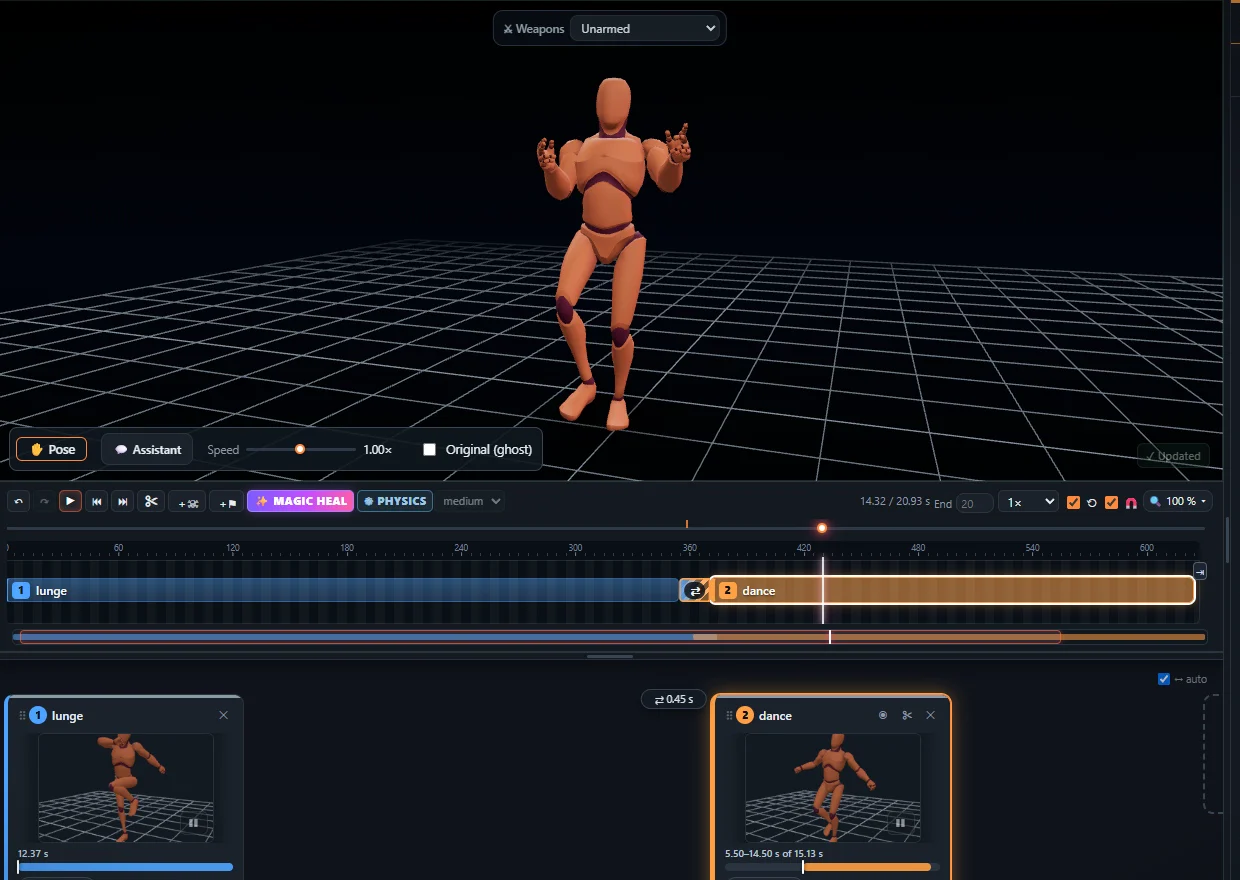
The export offers both: root motion on the root bone (with or without rotation, or on the pelvis), or in place – height and turning stay. Unity: tick Apply Root Motion; Unreal: Enable Root Motion in the sequence.
Frequently asked questions
Why do my feet slide in game?
Usually because an in place animation is moved by code at a different speed than the steps. Use root motion, or match the move speed to the animation.
Can I switch later?
Yes - export the same animation again with the other option.
Does in place remove jumping?
No. In place keeps the height and turning; only the travel over the floor is removed.
More with KinemIQ: Video to 3D animation · Video to motion · Free AI mocap from video · Video to FBX · Video to BVH · Martial arts animation · Ragdoll animation · Mocap from a phone video · FBX animation for Unity · Mocap for Unreal Engine · Mocap to Blender · Text to animation · 5-minute guide · All guides and answers