
Game character animation for beginners
The easiest start in game character animation is not keyframing from zero – it is starting from real motion. Record yourself, convert the video with AI motion capture in KinemIQ, then learn the basics (timing, loops, root motion, polish) on an animation that already moves like a human.
Try it free in your browser Use my own video
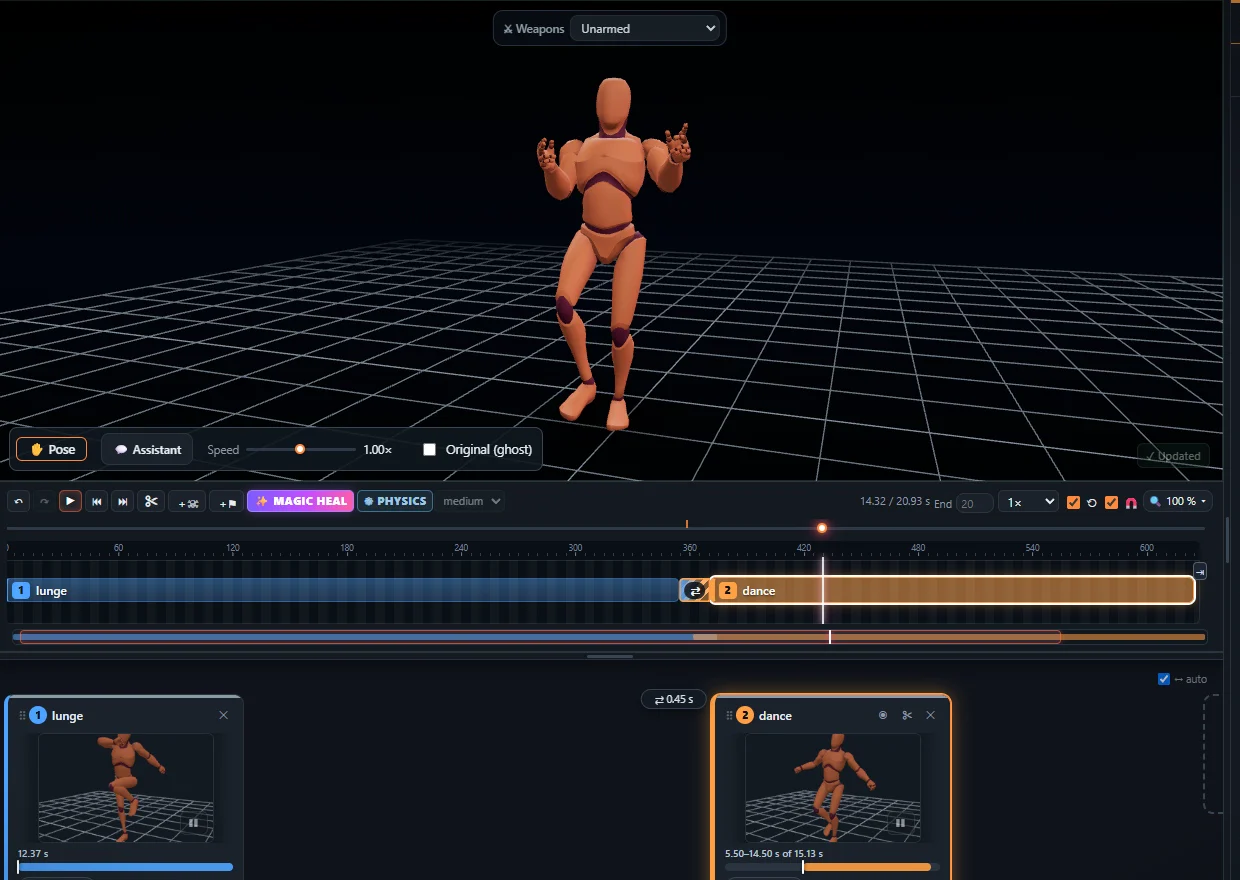
What a game needs first
- Idle – a calm loop.
- Walk / run – loops, usually in place.
- Jump – start, air, landing.
- Attack and hit reaction – often with root motion.
Five things to learn
- Trim a clean loop.
- Speed and timing.
- Root motion vs in place.
- Fixing one pose with the mouse.
- Exporting to your engine.
Start with the 5-minute guide.
Frequently asked questions
Do I need Blender or Maya?
Not to start. KinemIQ runs in the browser and exports straight to Unity, Unreal, Godot or Blender.
Is keyframing still worth learning?
Yes, for stylised motion and fixes. Starting from captured motion gets you a working animation much sooner.
Is it free?
Free to try; exporting needs a free account.
More with KinemIQ: Video to 3D animation · Video to motion · Free AI mocap from video · Video to FBX · Video to BVH · Martial arts animation · Ragdoll animation · Mocap from a phone video · FBX animation for Unity · Mocap for Unreal Engine · Mocap to Blender · Text to animation · 5-minute guide · All guides and answers