
Motion capture vs keyframe animation
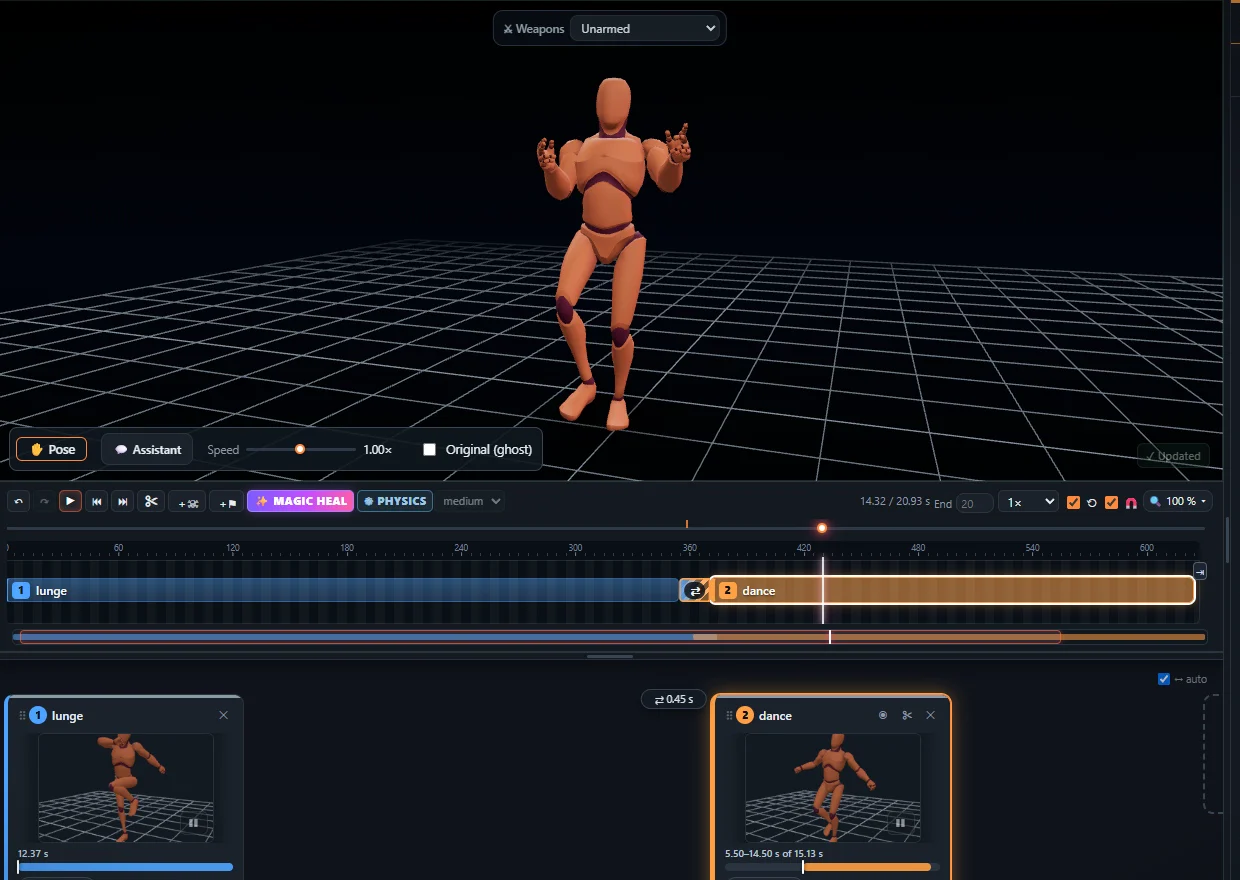
Motion capture records real movement, so weight, balance and timing look human right away. Keyframe animation is posed by hand – slower, but with full control and any style. Most games combine them: capture the base, then keyframe the polish. KinemIQ does both on one timeline.
Try it free in your browser Use my own video
Side by side
- Speed – mocap minutes, keyframing hours to days.
- Realism – mocap; style and exaggeration – keyframing.
- Cost – AI mocap from video is free to try; a suit or studio is expensive.
Combine them
Capture from a video, then add pose keys (✋ Pose) and keyframes (◆ Key) on top – they blend in and out of the captured motion.
Frequently asked questions
Is mocap cheating?
No - it is a standard tool in games and film. The art is in choosing, editing and polishing the motion.
Can I exaggerate captured motion?
Yes - power, speed and pose sliders, and pose keys on top.
Which is better for stylised games?
Often keyframing, or mocap with strong edits on top.
More with KinemIQ: Video to 3D animation · Video to motion · Free AI mocap from video · Video to FBX · Video to BVH · Martial arts animation · Ragdoll animation · Mocap from a phone video · FBX animation for Unity · Mocap for Unreal Engine · Mocap to Blender · Text to animation · 5-minute guide · All guides and answers