
How to put an animation on any character (retargeting)
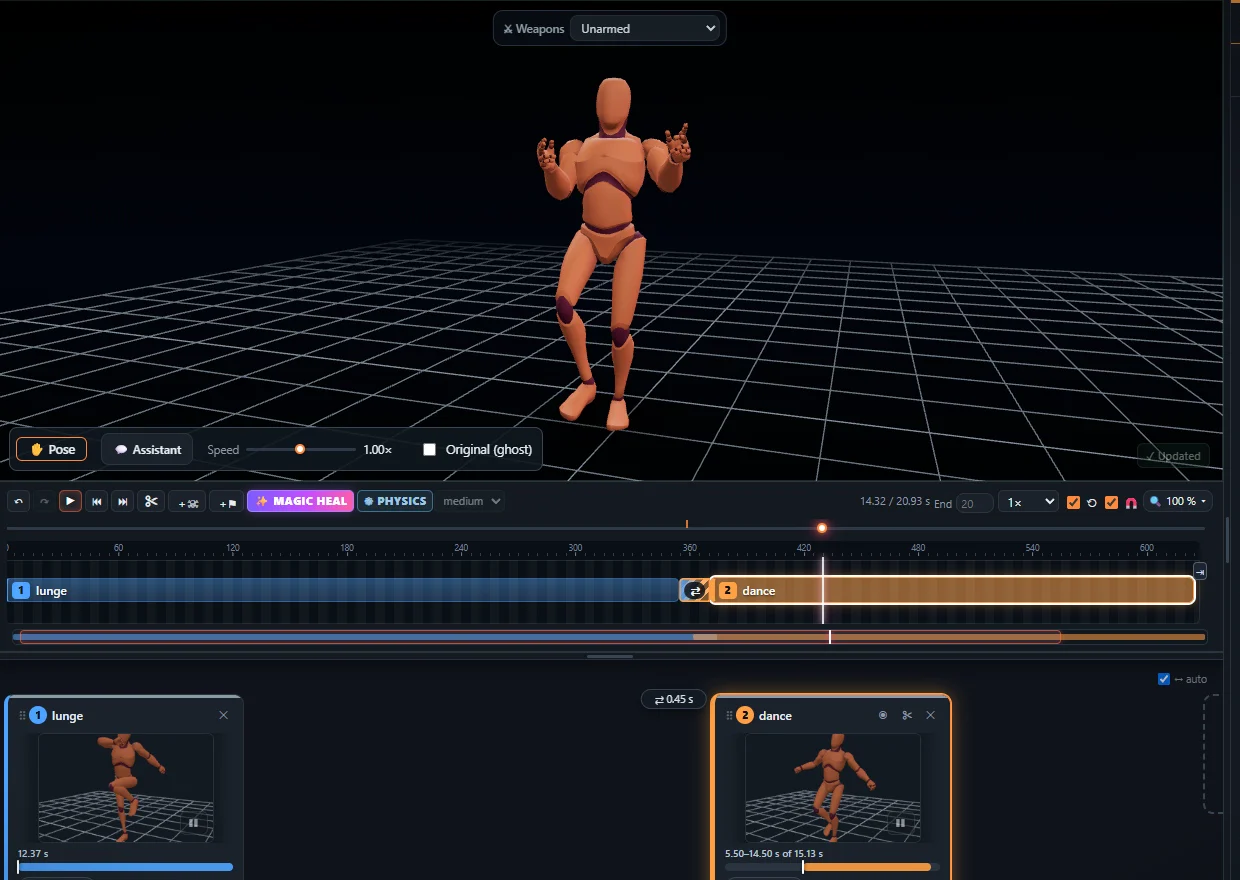
Retargeting copies an animation from one skeleton to another, so the same motion plays on any humanoid character. KinemIQ exports a standard humanoid skeleton, so its animations retarget easily in Unity, Unreal Engine and Blender.
Try it free in your browser Use my own video
Unity
Set both the animation FBX and your character to Humanoid – Unity retargets automatically. Step by step.
Unreal Engine
Right-click the animation, Retarget Animations, pick your character (recent UE5), or use an IK Rig per skeleton and an IK Retargeter. Step by step.
Blender and Godot
Blender: a retargeting add-on or Copy Rotation constraints and Bake Action. Godot: bone maps on import. Blender guide.
Frequently asked questions
Do the proportions have to match?
No. Retargeting adapts the motion to the new bone lengths; very different proportions may need small fixes.
Can I import my own animation into KinemIQ?
Yes - FBX, GLB or BVH from any humanoid skeleton, right in the browser.
Which export format is best for retargeting?
FBX for Unity and Unreal, BVH or GLB for Blender.
More with KinemIQ: Video to 3D animation · Video to motion · Free AI mocap from video · Video to FBX · Video to BVH · Martial arts animation · Ragdoll animation · Mocap from a phone video · FBX animation for Unity · Mocap for Unreal Engine · Mocap to Blender · Text to animation · 5-minute guide · All guides and answers