
Free animations for Unreal Engine – 460 game animations as FBX
Free animations for Unreal Engine: 460 game animations – walks, runs, idles, jumps, punches, kicks, sword combos, hit reactions and deaths, including 285 real motion capture clips. Preview them on a 3D character in your browser and download them as FBX for UE5, with root motion or in place. CC0 and CC BY – free for commercial games.
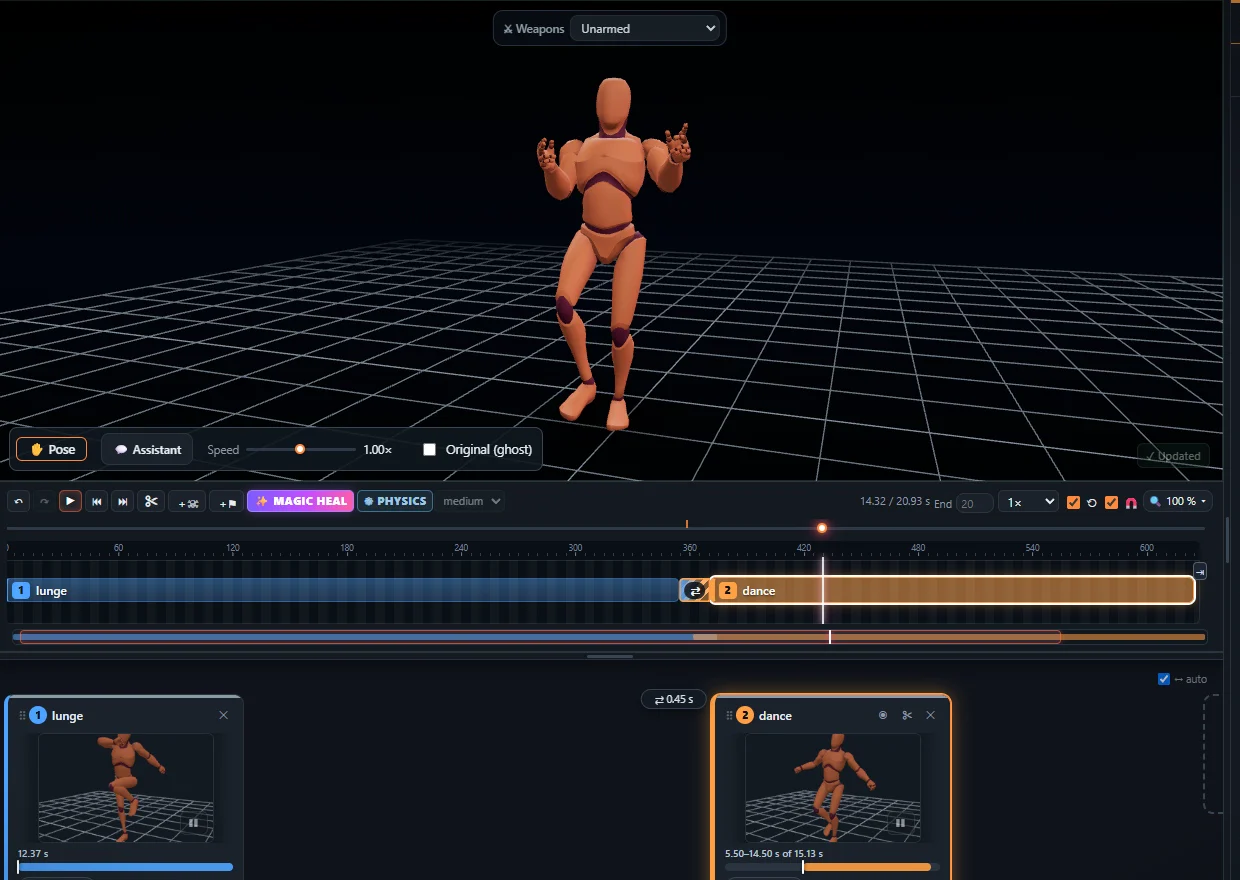
What you get
- Locomotion – walks, runs, sprints, crouches, strafes and 34 mocap walking styles: free walk and run cycles.
- Combat – punches, kicks, combos, blocks and dodges from real martial arts mocap: free fighting animations, plus sword and shield moves.
- Idles, jumps and deaths – idles, jumps and parkour, hit reactions and deaths.
All clips share one humanoid skeleton, so they blend into each other on the same character. Before you download, trim a clip, change its speed or direction, mirror it or join several clips into one.
Into Unreal Engine 5
- In the Studio pick the clip and press Export, choose FBX, root motion or in place, and 24, 30 or 60 frames per second.
- Drag the FBX into the Content Browser and import it as a Skeletal Mesh with Import Animations on. You get a skeleton, a mesh and an Animation Sequence.
- To play it on the UE5 mannequin or your own character, retarget it: in recent UE5 versions right-click the animation, choose Retarget Animations and pick the target character. In older versions make an IK Rig for each skeleton and an IK Retargeter between them.
- Exported with root motion? Open the animation sequence and tick Enable Root Motion.
Or skip retargeting: upload your own rigged character (FBX, GLB or VRM) in the Studio, and the animation is exported on its own skeleton. More in putting an animation on any character.
Licences – free for commercial games
- Game animations: CC0 (Quaternius Universal Animation Library) – no conditions, no credit needed.
- Motion capture: CC BY (100STYLE, ACCAD) – free for commercial use with a credit, which every exported file already carries.
All sources are listed on Sources & credits.
Missing a move?
Film it with a phone and turn the video into an animation with AI motion capture, or type it and get it from text to animation – on the same skeleton, ready for Unreal. Step by step for your own video: mocap for Unreal Engine.
Frequently asked questions
Where can I get free animations for Unreal Engine?
KinemIQ has 460 free game animations - locomotion, idles, jumps, punches, kicks, sword combos, hit reactions and deaths, 285 of them real motion capture - to preview in the browser and download as FBX for Unreal Engine 5.
Do they work on the UE5 mannequin?
Yes. Import the FBX, then right-click the animation and use Retarget Animations (or an IK Retargeter in older UE5 versions) to play it on the mannequin or your own character. Or upload your rigged character in KinemIQ and export the animation on its own skeleton.
Root motion or in place?
You choose when you export. For root motion tick Enable Root Motion on the animation sequence in Unreal.
Can I use them in a commercial game?
Yes. The game animations are CC0; the motion capture is CC BY - free for commercial use with a credit, which every exported file already carries.
More with KinemIQ: Video to 3D animation · Video to motion · Free AI mocap from video · Video to FBX · Video to BVH · Martial arts animation · Ragdoll animation · Mocap from a phone video · FBX animation for Unity · Mocap for Unreal Engine · Mocap to Blender · Text to animation · 5-minute guide · All guides and answers